Digital legacy checklist: every account and secret to plan for
A practical checklist of the accounts, devices, documents and secrets your family would need if you could not help, and a simple way to pass them on.
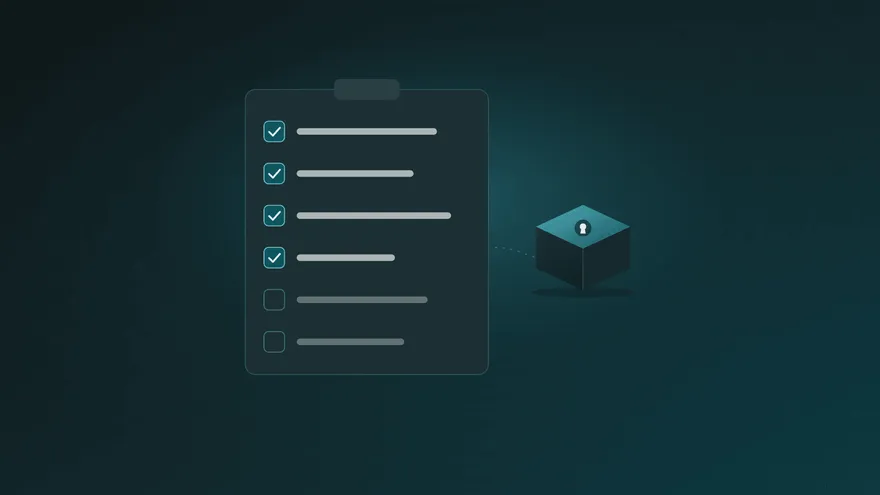
A generation ago, a family could piece together someone’s affairs from a filing cabinet. Today most of it lives behind passwords: bank apps, email, cloud photos, subscriptions, sometimes a crypto wallet. Your digital legacy is everything online that someone else would need to find, use, keep or close if you could not do it yourself.
This checklist helps you see all of it in one place. Work through it once, it takes about an hour, and you will know exactly what your family would need.
How to use this checklist
Go through each section and note what applies to you. For each item, write down three things:
- What it is (for example, “Main bank: savings and salary”).
- What should happen (keep it, close it, transfer it, or ask a professional).
- Who should handle it.
Do not write passwords on the checklist itself. Collect them separately in a protected place; see the last section for how.
1. The accounts that unlock everything else
Start here. With these, most other accounts can be recovered.
- Your main email account (password resets for nearly everything go here)
- Your phone: the unlock code and the mobile account, because many logins send a code by text
- Your password manager, if you use one
- Any authenticator app or security key used for two-step sign-in, and its recovery codes
2. Money
- Current and savings accounts, and what each is used for
- Credit cards
- Investments, pensions and retirement accounts
- Loans and mortgages
- Payment apps and online wallets
- Insurance policies (life, health, home, car) and where the documents are
- Regular bills paid by direct debit
3. Devices
- Phone, tablet and computer unlock codes
- Home Wi-Fi and router
- Smart home apps: alarm, cameras, door locks, heating
- External drives and backups, and where they are kept
4. Photos, files and memories
- Cloud photo libraries
- Cloud storage with documents
- Notes apps and personal journals
- Videos, music and other media you created yourself
5. Communication and social media
- Messaging apps
- Social media accounts, and whether each should be kept, memorialised or closed. Many networks offer a request process for family members.
- Websites, blogs or newsletters you run
6. Subscriptions and services
- Streaming, music and news subscriptions
- Software subscriptions
- Utility accounts: electricity, gas, water, internet
- Delivery, shopping and travel accounts with saved payment cards
7. Work and business
- Work accounts your employer may need to recover
- If you run a business: domain name, website hosting, business email, payment provider, accounting software, bank
- Contacts of clients, partners and an accountant who can step in
8. Crypto and other digital assets
- Exchange accounts
- Self-custody wallets and their recovery phrases. These need extra care: whoever holds the phrase holds the funds. Our guide on passing on a crypto wallet explains how to do it safely.
- Domain names, digital purchases and loyalty points with real value
9. Documents and wishes
- Where your will is kept, and who your lawyer or notary is
- Where your passport, certificates and property papers are
- A short letter with instructions and a personal note. Our “If something happens to me” letter template makes this easy.
10. Decide who receives what
Not everyone needs everything. Your partner may need the bank and the email; your business partner only the company accounts; an adult child the photos. Match each section of the checklist to a person.
Put it somewhere private that can reach the right people
A finished checklist is valuable, which is exactly why it should not sit in a drawer or an unprotected file. It needs to stay private while you are fine and reach the right people when they need it.
That is what Parcel Rocket does. You put the checklist, the passwords that go with it and any files into a parcel, choose who receives it, and set a release date.
- Your parcel is encrypted on your own device before it is uploaded, so it stays private, even from us.
- We remind you before the date, and moving it takes one click.
- If the date ever arrives without you moving it, your recipients get a link and open the parcel by answering questions only they know. No account needed.
- Each parcel has its own recipients, so you can make one for your partner and another for your business partner.
Passwords you already keep in the Parcel Rocket password vault can go straight into a parcel. Read more about how your parcel is protected.
Review it twice a year
Accounts change all the time. Put a reminder in your calendar every six months to go through the list, add new accounts, remove closed ones and update your parcel.
In short
Your digital legacy is more than passwords: it is money, memories, work and the instructions that tie them together. Start with the accounts that unlock everything else, work through the list, decide who receives what, and keep it all in one private place that can reach your family when it matters. For the passwords themselves, see how to pass on your passwords to your family.