What is a dead man's switch, and how does a release date compare?
A dead man's switch sends a message if you stop checking in. Here is how digital switches work, where they go wrong, and why a release date you control is simpler.
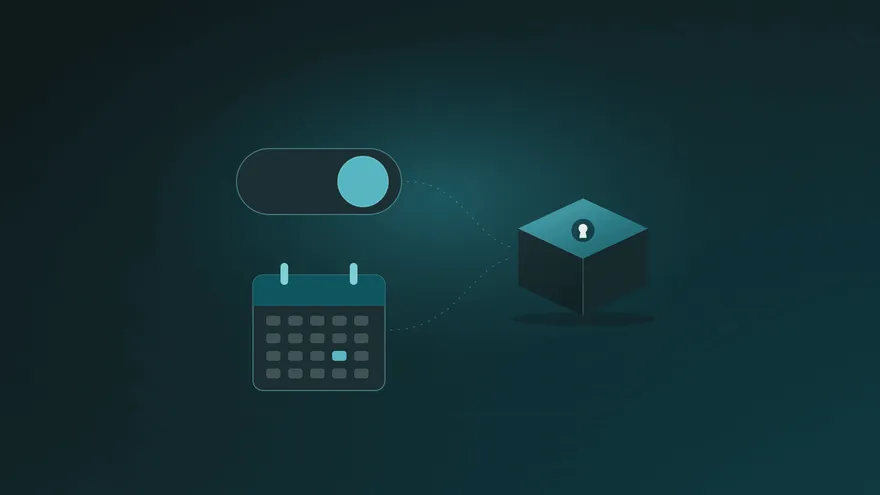
A dead man’s switch is a mechanism that acts automatically when the person in charge stops responding. The idea comes from machines and trains: the operator has to keep holding a handle or pedal, and if they let go, the machine stops safely on its own.
A digital dead man’s switch applies the same idea to information. You check in regularly, for example by clicking a link in an email. If you stop checking in for long enough, the service assumes something is wrong and sends messages or files you prepared in advance to the people you chose.
How a digital dead man’s switch works
Most services follow the same pattern:
- You prepare the message. A note, a list of accounts, instructions, sometimes files.
- You choose the recipients. Usually by email address.
- You set a check-in interval. For example, every 30 days.
- The service asks if you are still there. It sends reminders, often by email.
- If you do not respond in time, the message is sent.
It is a simple and appealing idea: nobody has to prove anything, and nothing happens as long as you keep responding.
What people use them for
- Passing on passwords and account details to family
- Sending a recovery phrase or the location of a crypto wallet’s backup
- Instructions for a business partner if the founder is unreachable
- A personal letter for the people they love
- Journalists and researchers making sure their work is not lost
Where check-in switches can go wrong
The weak point of a check-in switch is the check-in itself.
- False alarms. A long holiday without internet, a lost phone, a full inbox, or a reminder that lands in spam can all look like silence. The message goes out even though you are fine.
- The opposite problem. If the interval is long, say six months, help arrives half a year late.
- Privacy of the message. Many services store your message in a form they can read themselves. Before using one, check whether the content is encrypted on your device before it is uploaded, and who can open it.
- What the recipient receives. If the message itself contains passwords, anyone who sees that email can use them.
A release date: the same idea, more predictable
Parcel Rocket takes a slightly different approach. Instead of guessing from your silence, it uses a release date that you choose and control.
- You put the information into a parcel and set the date when it should be delivered.
- We remind you 7 days, 3 days and 12 hours before that date.
- One click moves the date further out. A private link can move all your parcels at once, without signing in.
- If the date arrives without you moving it, your recipients get a link.
The difference is predictability. There is no hidden timer and no guessing about what counts as “inactive”: you always know exactly when a parcel will be delivered, and you get three reminders first. For most people this is easier to live with than a check-in schedule.
It also changes what the recipient receives. The delivery message contains only a link, never the content. To open the parcel, your recipient answers questions only they can answer, and the parcel is decrypted on their own device. It is encrypted on yours before it is ever uploaded, so it stays private, even from us.
Check-in switch vs. release date
| Check-in dead man’s switch | Parcel Rocket release date | |
|---|---|---|
| What triggers delivery | Missing a check-in | The date you set arriving |
| When it happens | When the service decides you are inactive | On a known date that you can move |
| Reminders | Check-in requests | 7 days, 3 days and 12 hours before |
| What the recipient gets | Often the message itself, by email | A link, opened with answers only they know |
| Privacy of the content | Depends on the service | Encrypted on your device before upload |
How to choose
- If you want delivery to depend on your regular activity, a check-in switch does that. Pick one that encrypts your message and lets you test the whole process.
- If you prefer to know exactly when something will happen, with reminders and one-click control, a release date is simpler.
- In both cases, tell the people you chose that something has been prepared for them, so the message is expected.
Not sure which kind of tool you need at all? Our emergency access comparison covers password-manager options and platform tools too. And for what to put in the message, start with our digital legacy checklist.
Common questions
Is a dead man’s switch the same as a will? No. A will is a legal document about who inherits what. A switch or a parcel delivers practical information so people can act. They work well together.
What if I am simply away for a few weeks? With a release date, set it far enough ahead and move it when you get the reminder. If you know you will be away, move all your parcels before you leave with the private link.
Can I try it before relying on it? Yes. Parcel Rocket’s free plan includes one small parcel that can be released up to 7 days ahead, so you can send a test parcel to yourself or a friend and see exactly what your recipient will experience. See how it works.